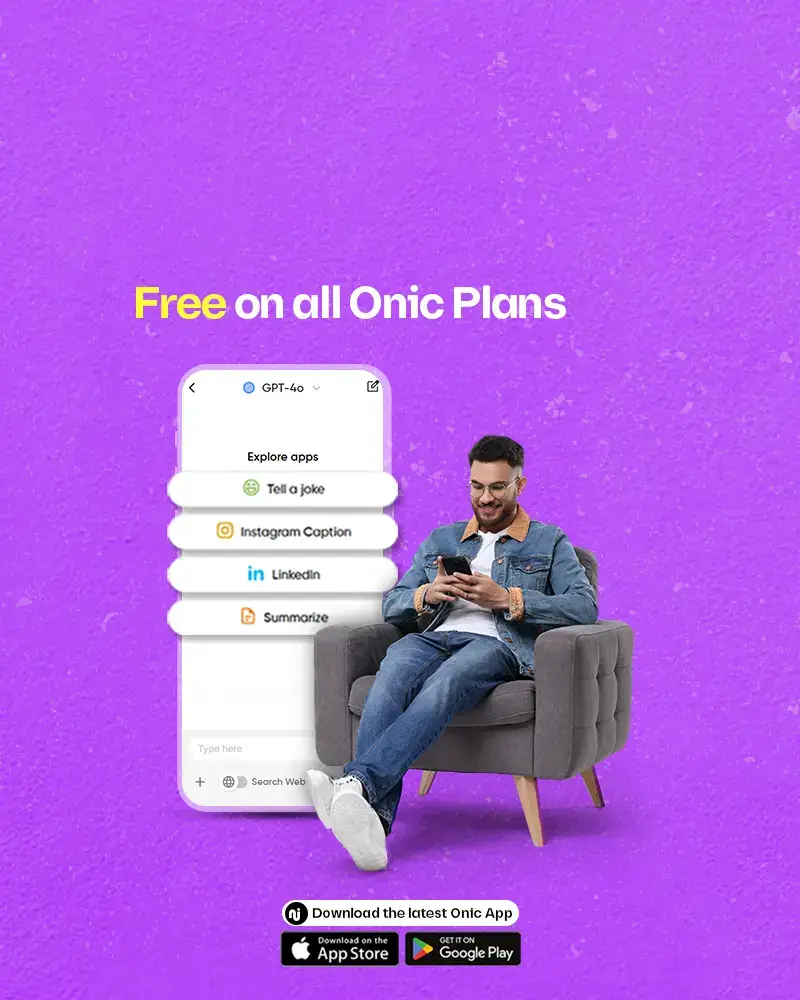


Premium AI access.
Free for all Onic users.
Onic is reshaping the future of telecom, by giving you more than just data and minutes.We’ve partnered with OpenAI to bring GPT-5.1 & Gemini directly to your phone, at no extra cost, on every Onic plan.

Unlimited AI chats
No caps. Ask anything, anytime.

Summarize documents
Turn long PDFs and notes into quick takeaways.

Real-time web search
Get live info without switching tabs.
Image-based insights
Snap a photo, get smart answers instantly.
Always available
Built into your Onic experience, ready when you are.
Now available in Desktop Version
Work, study, or play on bigger screens
Now saves your Chat History
Pick up right where you left off
How to use OnicAI on Desktop
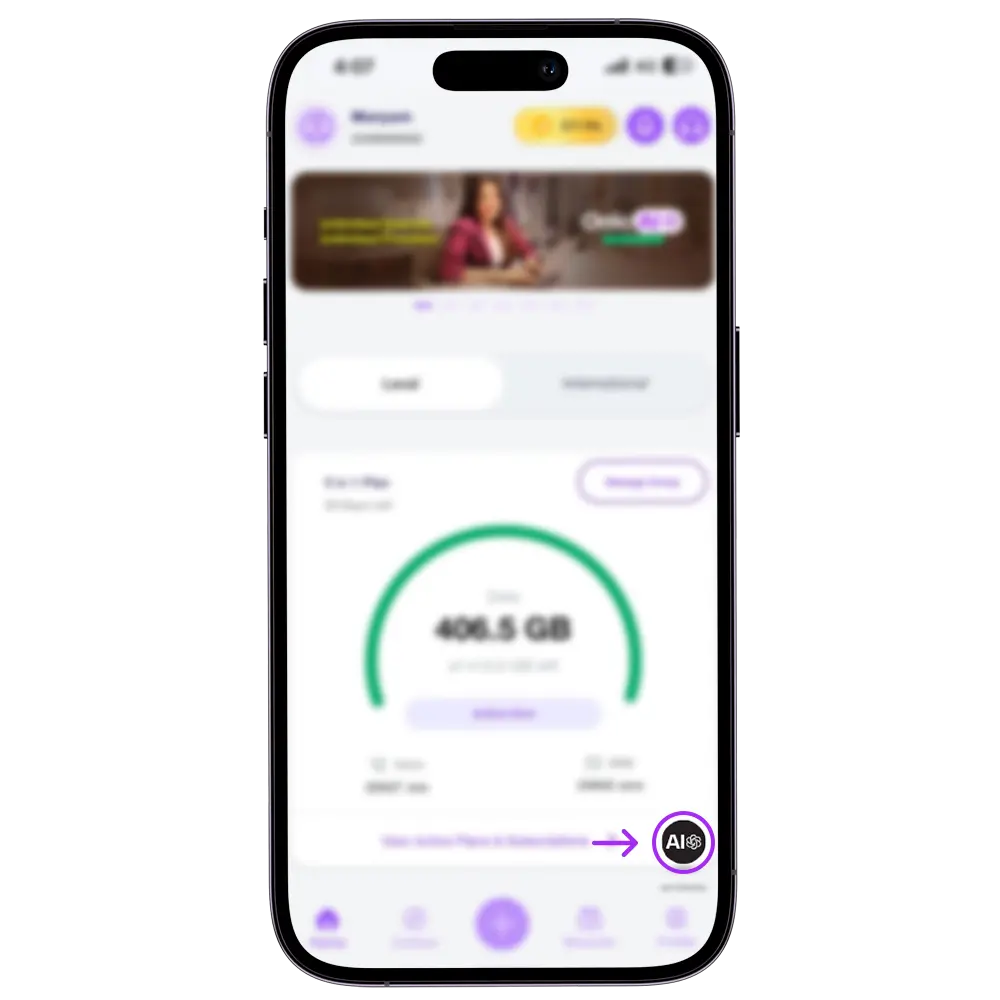
Step 1 - Open Onic App and Tap on OnicAI
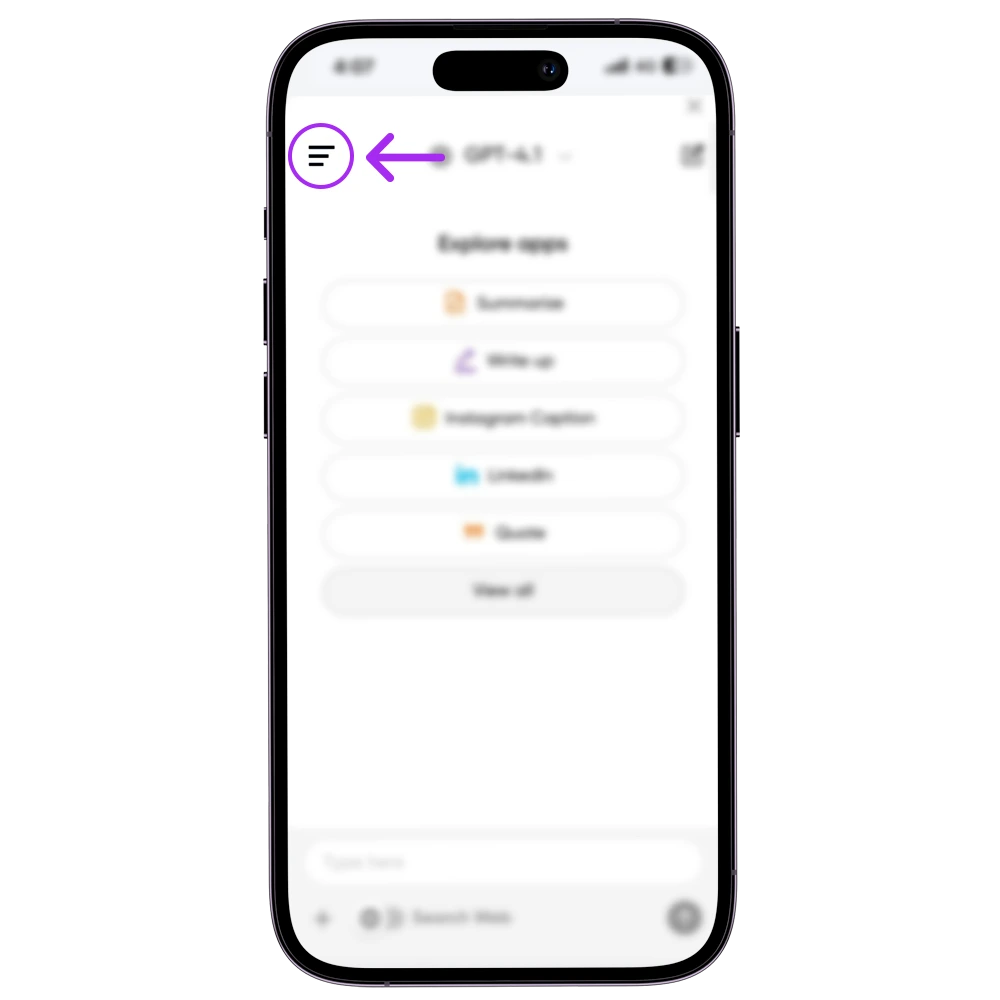
Step 2 - Click on hamburger menu on top left corner
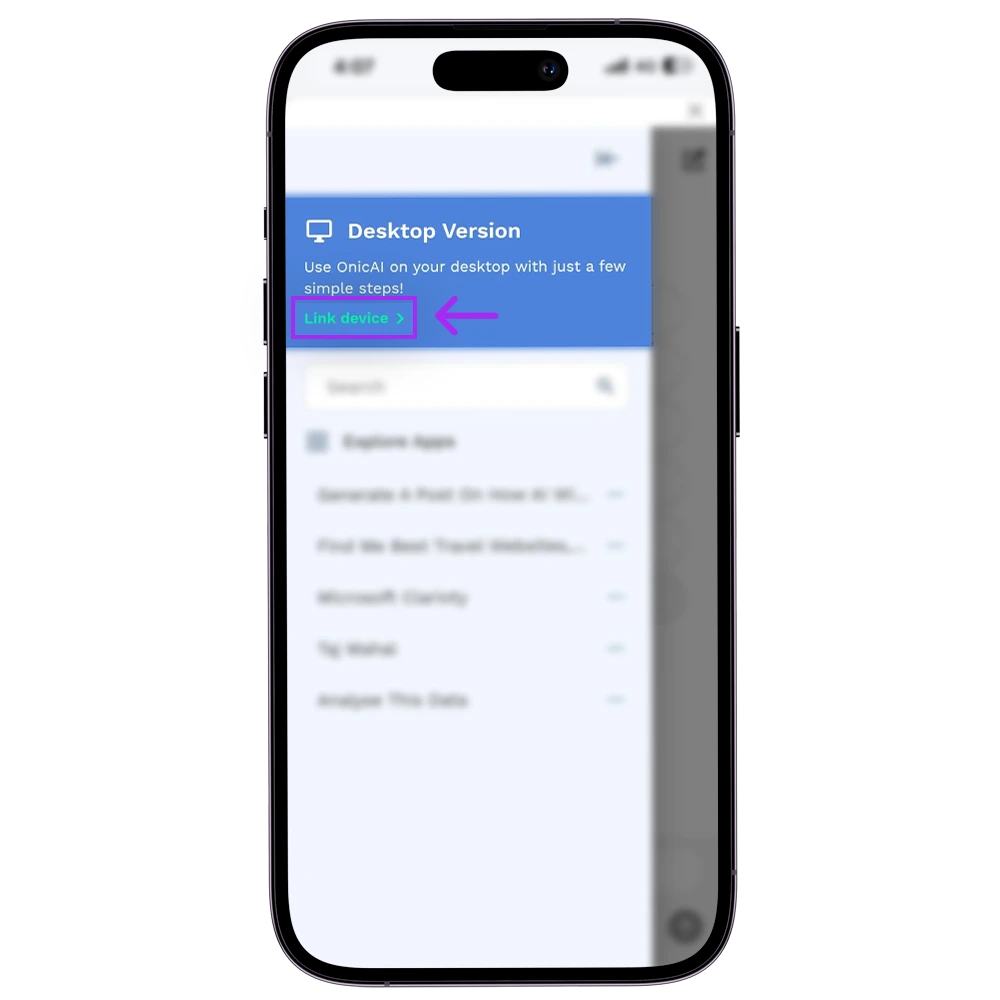
Step 3 - Tap Link device under desktop version
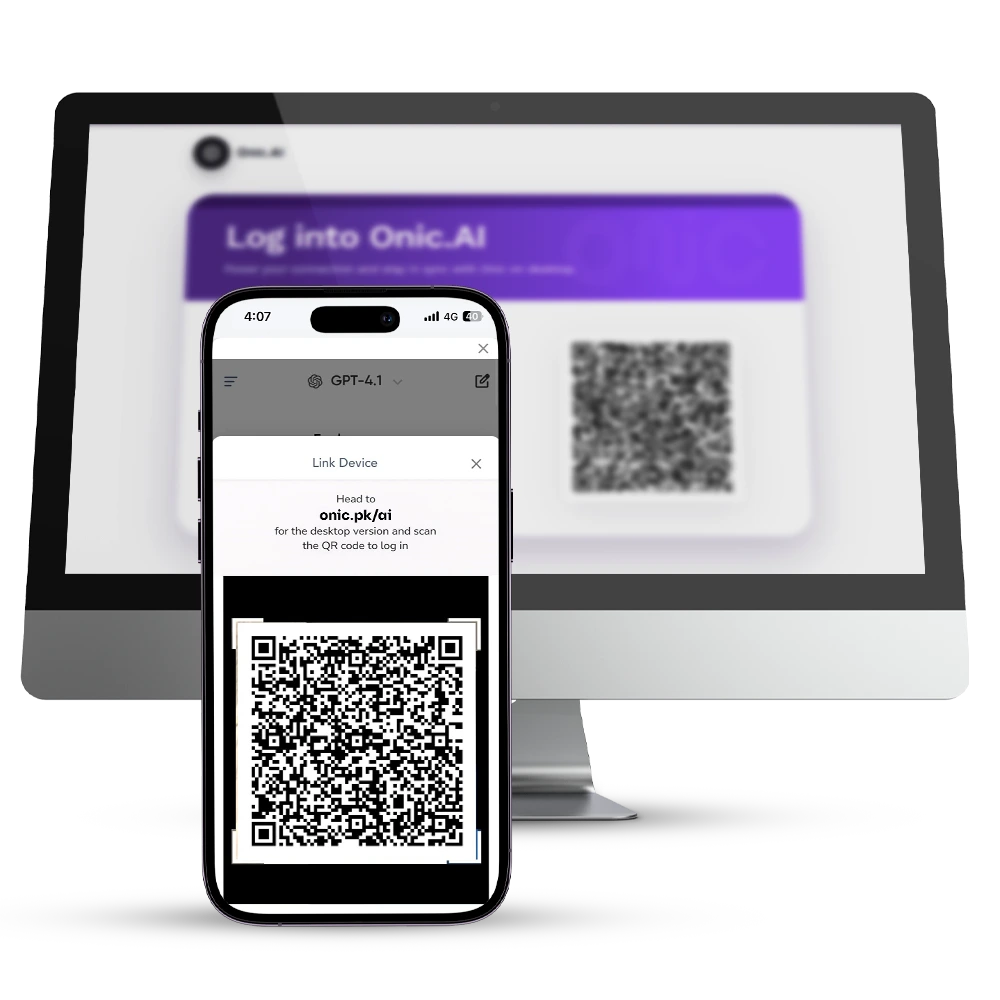
Step 4 - Enter onic.pk/ai on your desktop and scan the QR code shown to start using the OnicAI on desktop!
Why it matters
Most users pay extra for GPT-5.1 & Gemini. With Onic, it’s built-in. Whether you're a student, content creator, entrepreneur, or just AI-curious, you now have premium tools in your pocket, free with Onic.
and #SayHiToAIntelligence
FREQUENTLY ASKED QUESTIONS



© 2026 Onic - a Digital Brand of Pak Telecom Mobile Limited. All Rights Reserved