SHARE
Last Updated 9 September 2026 • 8 min
What is an eSIM in Pakistan? Complete Beginner's Guide (2026)
Last Updated 9 September 2026 • 8 min
The era of physical SIM cards is rapidly fading as eSIM technology takes center stage in Pakistan’s telecom landscape. Introduced globally around 2016 but gaining major traction in Pakistan since 2019, the eSIM has become a game-changer for mobile connectivity and ease.
This guide provides a comprehensive overview of what an eSIM is, its availability across major networks, and how you can activate it.
By shifting to an eSIM, Pakistani users can enjoy seamless network switching, enhanced security, and the convenience of multiple numbers without the hassle of physical trays, becoming part of a fast-paced community of digital natives.
What is an eSIM?
Think of an eSIM as a "virtual" version of the plastic SIM card you’ve used for years. The "e" stands for embedded, which simply means the SIM technology is already built inside your phone's hardware.
For decades, we relied on physical SIM cards to tell our phones which network to join. These cards were prone to getting lost, getting stuck in trays, or simply wearing out.
With an eSIM, you bypass all these physical frustrations. The tech is on a tiny, permanent chip soldered onto your device's motherboard. It’s essentially a rewritable piece of hardware that can store multiple network identities.
How does an eSIM work?
Imagine your phone has a digital mind that can operate on different phone numbers. When you want to join a network, you don't need a physical card to tell the phone who your provider is. Instead, the network gives you a digital profile (usually delivered via a QR code).
Once you scan that code, your phone's internal chip "downloads" your plan details. It’s a bit like downloading an app, but for your cellular service. This makes it incredibly easy to switch plans or add a second line for work without ever touching a SIM tool or fumbling with a fragile plastic tray.
Because it’s digital, you can actually switch between different network profiles in your phone’s settings menu within seconds.
Is eSIM Available in Pakistan?
Yes, eSIM technology is fully functional and widely available in Pakistan. Since the first rollouts in 2019, the infrastructure has matured significantly, moving from a "luxury feature" to a standard offering for tech-savvy users across the country.
As of 2026, the ecosystem has expanded beyond just flagship phones to include many mid-range devices, and the network towers across Pakistan's major cities are fully optimized to handle the digital handshakes required for eSIM activation.
Which networks support eSIM in Pakistan?
Currently, all leading mobile network operators (MNOs) in Pakistan offer eSIM services, each bringing something slightly different to the table:
- Onic: has made eSIM a key part of its digital experience, offering a seamless, app-based journey for ordering and managing your connection. After placing an order, customers need to visit a designated location to complete biometric verification before activating their eSIM.
- Ufone: A reliable option for both urban and rural users, Ufone supports eSIM across all compatible 4G and 5G handsets.
- Zong: Provides eSIM with QR code activation available through their channels.
- Jazz: Offers eSIM services for both prepaid and postpaid customers.
- Telenor: Offers eSIM services that are often targeted at corporate clients and high-end users who require multiple lines on a single device.
PTA Regulations and eSIM Status in Pakistan
The Pakistan Telecommunication Authority (PTA) has established clear guidelines to ensure that while the technology is digital, it remains as secure and regulated as traditional SIMs.
1. Biometric Verification
In Pakistan, your digital identity is tied to your biometric data.
To activate an eSIM, you must provide your thumbprint (biometrics) at a onic franchise or a designated pickup location.
This ensures the SIM is registered to your CNIC and prevents unauthorized usage.
2. DIRBS & IMEI
Every eSIM-capable phone has a unique EID (Embedded Identity Document) and usually a second IMEI number specifically for the eSIM slot. To stay active in Pakistan, your device must be PTA-approved.
When you activate an eSIM, the DIRBS system registers that specific IMEI to your identity, ensuring your phone doesn't get blocked.
3. SIM Limit
The law remains the same: an eSIM counts toward your legal limit of 5 active SIM cards per CNIC.
Whether it's physical or digital, the PTA tracks the total number of lines registered in your name to maintain national security standards.
Which Phones Support eSIM in Pakistan?
To join the digital revolution, your hardware must have the built-in chip required for eSIM. Most flagship and high-end mid-range devices released from 2019 onwards support this tech.
- Apple: Includes every model from the iPhone 11 series up to the latest iPhone 17, as well as all Pro, Pro Max, and SE (2nd Gen and later) models.
- Samsung: Supported on the Galaxy S20 through the latest S26 series, all Galaxy Z Fold and Z Flip foldables, and select A-series models like the A54 and A55.
- Google: Available on the Pixel 3 through the latest Pixel 10 and Pixel Fold devices.
- Other Brands: Flagship models from Xiaomi (14/15 series), Oppo (Find X7/X8), and Motorola (the Razr series) also support eSIM in the local market.
Looking for your exact phone model? See our complete eSIM Supported Phones in Pakistan list to check compatibility by brand and model.
Pro Tip: If you are buying a used phone, check for an EID number in the "About Phone" settings. If it's there, your phone is eSIM ready!
How to Activate an eSIM in Your Device?
Activating an eSIM in Pakistan is a simple, three-step process designed to get you connected quickly:
- Get Your QR Code: You can obtain this by visiting a mobile franchise or using a provider’s app (like Onic). Once your biometric verification is complete, they will provide a unique QR code voucher.
- Scan the Profile: Open your phone's Settings. On an iPhone, navigate to Cellular > Add eSIM. On a Samsung or Android device, go to Connections > SIM Manager > Add eSIM.
- Go Live: Use your camera to scan the QR code. Your phone will automatically download the profile and register with the towers. Within a few minutes, signal bars will appear at the top of your screen.
Already have a physical SIM and want to switch? Follow our step-by-step guide on how to convert your physical SIM to eSIM in Pakistan.
Physical SIM vs. eSIM: What’s the Difference?
While they both connect you to the internet, the experience is quite different. Physical SIMs are removable plastic cards. While they are easy to move between phones manually, they can be lost, damaged, or worn out. You are also limited by physical slots (usually just one or two).
eSIMs, on the other hand, are built-in and cannot be physically damaged. Because they are digital, you can store multiple numbers on a single chip and switch between them in your settings.
However, moving an eSIM to a new phone isn't as simple as swapping a card; it requires a digital "re-issue" from your network provider for security.
For a detailed side-by-side breakdown, read our full eSIM vs Physical SIM comparison for Pakistan.
What are the Benefits of Using eSIM in Pakistan?
- Dual-SIM Freedom: Many iPhones in Pakistan only have one physical slot. Using an eSIM allows you to use two numbers—like Onic for data and Jazz for calls—at the same time.
- Travel Made Easy: If you’re heading abroad, you can buy an international travel eSIM online and activate it before you land, avoiding expensive roaming charges.
- Better Security: If your phone is stolen, a thief can’t just "throw away" your SIM card. The eSIM stays active, making it much easier for you to track your device.
- Save the Planet: No plastic cards and no paper packaging means a smaller carbon footprint for your mobile habit.
What are the Advantages and Disadvantages of Using eSIM?
Upside
The biggest advantage is convenience. You can change your network or add a line with ease. It also protects your identity; since the SIM is digital and locked to your device, it is much harder for scammers to "swap" your SIM without your permission.
The Downside
The main drawback is flexibility when changing phones. If your battery dies and you need to put your SIM in a friend's phone to make an emergency call, you can't do that with an eSIM. Also, if your hardware gets damaged, you’ll need to visit a service center to get your number transferred.
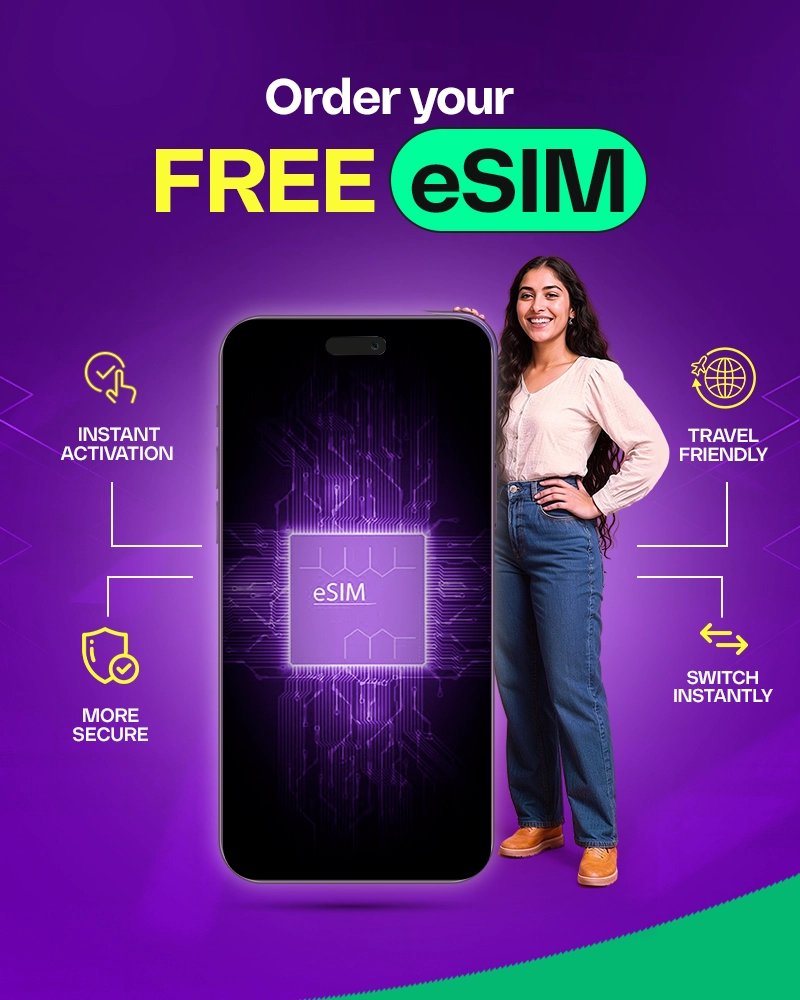
Want an eSIM in Pakistan? Here's How Onic Does It Differently
Onic brings a digital-first approach to the eSIM experience in Pakistan, making it easier to order and manage your connection through the Onic app. While biometric verification requires a visit to a designated location, the rest of the journey is designed to be simple and convenient.
- Easy Digital Ordering: Order your eSIM directly through the Onic app without going through a lengthy traditional process.
- Biometric Verification: After placing your order, visit your selected designated location to complete the required biometric verification. Once verified, your eSIM activation details are provided to complete the setup.
- Manage Through the App: The Onic app gives you greater control over your connection, allowing you to manage your plan and keep track of your usage from one place.
Frequently Asked Questions About eSIM in Pakistan
1. How much does an eSIM cost in Pakistan?
Expect to pay between Rs. 1,000 and Rs. 2,500 for an eSIM activation or conversion. While some networks offer promotional discounts, the high-tech nature of the service usually carries a premium over standard plastic SIMs.
2. Can I use eSIM and physical SIM at the same time?
Yes! This is the most popular way to use it. You can have your main number on the eSIM and keep the physical slot open for a secondary network or a temporary SIM when traveling.
3. Can I transfer my current number to eSIM?
Absolutely. You don't need a new number. You can take your current number to a service center and ask them to convert it into an eSIM profile.
4. What happens to my eSIM if I change my phone?
You cannot "transfer" it yourself. You must delete the profile from your old phone and get a fresh QR code from your network provider to install it on your new device.
5. Is eSIM secure in Pakistan?
Yes, it is very secure. Because it is embedded in the phone, it cannot be easily removed. Combined with PTA’s strict biometric requirements, eSIM is currently the most secure way to stay connected in Pakistan
Table of Contents



© 2026 Onic - a Digital Brand of Pak Telecom Mobile Limited. All Rights Reserved